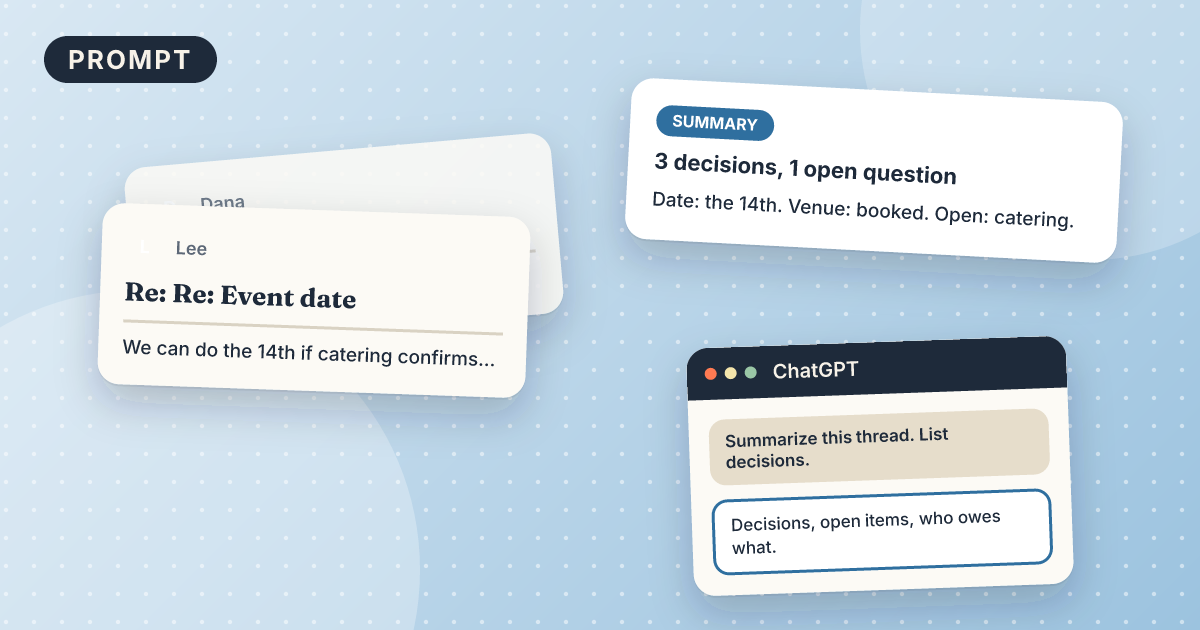
Summarize a long email thread with AI
You get a five-line summary of a long email thread or meeting notes: what was decided, what is still open, and who must do what by when. It takes about 5 minutes with the free version of ChatGPT. You paste the thread, then check names and dates against the original.
Draft: we have not tested this recipe yet. Treat the steps as a starting point.
What you need
- A free ChatGPT account
- The email thread or meeting notes, copied as text
- A line on what you need from it, such as the next step for you
Copy this prompt
Summarize the email thread or meeting notes below in 5 lines or fewer.
Line 1: what was decided. Next lines: what is still open, then the action items as "Name: task, by date".
Use only what is in the text. If a name or date is missing, write "[unclear]" instead of guessing.

Text: [paste the thread or notes here]
Steps
- Copy the whole thread, oldest message first, and remove signatures if you can.
- Open ChatGPT, paste the prompt above, and paste the thread in place of the brackets.
- Read the five lines and compare each action item with the original.
- Send the summary to the group if it helps, after you fix anything wrong.
Test it yourself (10 minutes)
- Make up a 6-message thread about moving a team meeting, with two people changing their minds.
- Run the prompt and check that the final decision, not an earlier one, is in line 1.
- Check that every name and date matches.
- Note what you changed. It shows where AI loses track of long threads.
Check this yourself
- Every name and date matches the original.
- Every "[unclear]" item is filled in or asked about.
- Nothing important from the middle of the thread was dropped.
- You are allowed to put this text into an AI tool.
Mistakes and limits
- AI can miss a quiet but important message in the middle. Skim the original too.
- It may assign a task to the wrong person. Check every name and date.
- Do not paste private or confidential emails into an AI tool unless your company allows it.
Variations
- Add: "Write it as a reply I can send to the group."
- Add: "List only the action items that involve me."
Related recipes
3 minClaude (free)Not tested yet
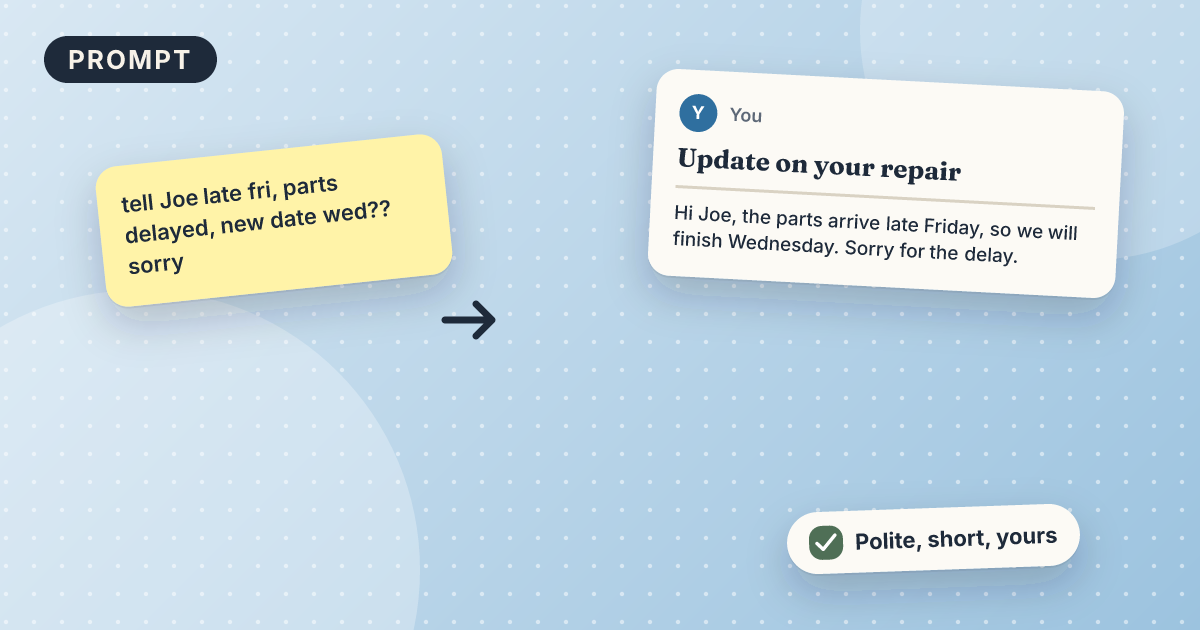
Turn rough notes into a professional email
Rough notes in, a short clear email out, main point first.
Office · Salon · Cleaning · Home repair · Fitness studio
25 minChatGPT (free)Not tested yet
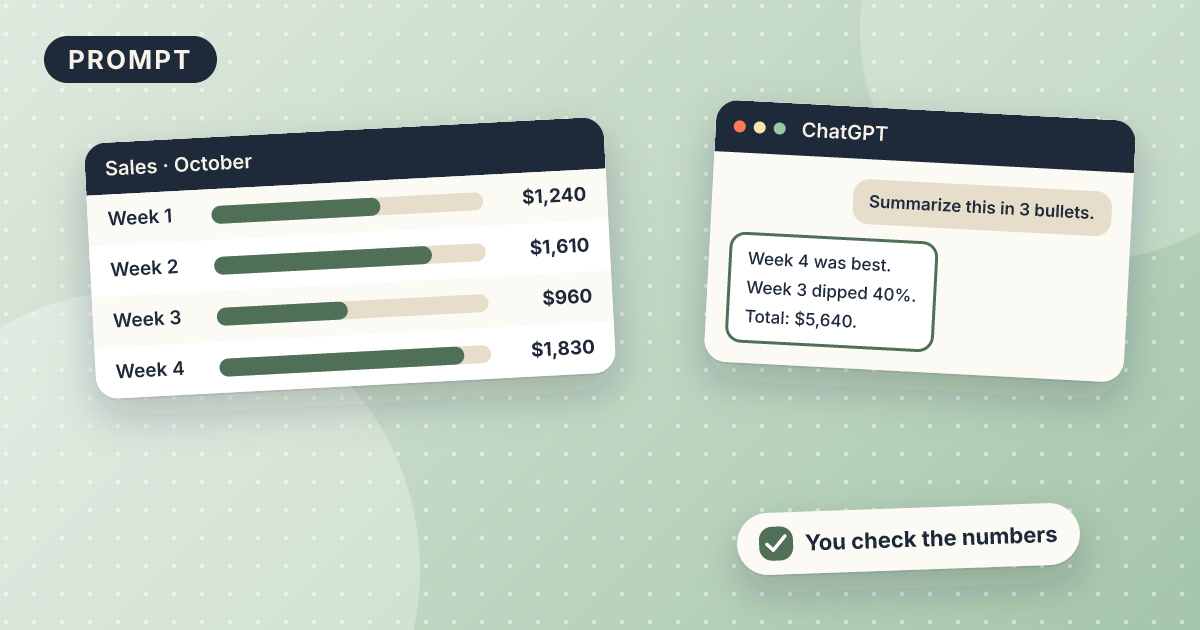
Summarize a spreadsheet with ChatGPT
A short plain-English weekly report from a small table of numbers.
Office