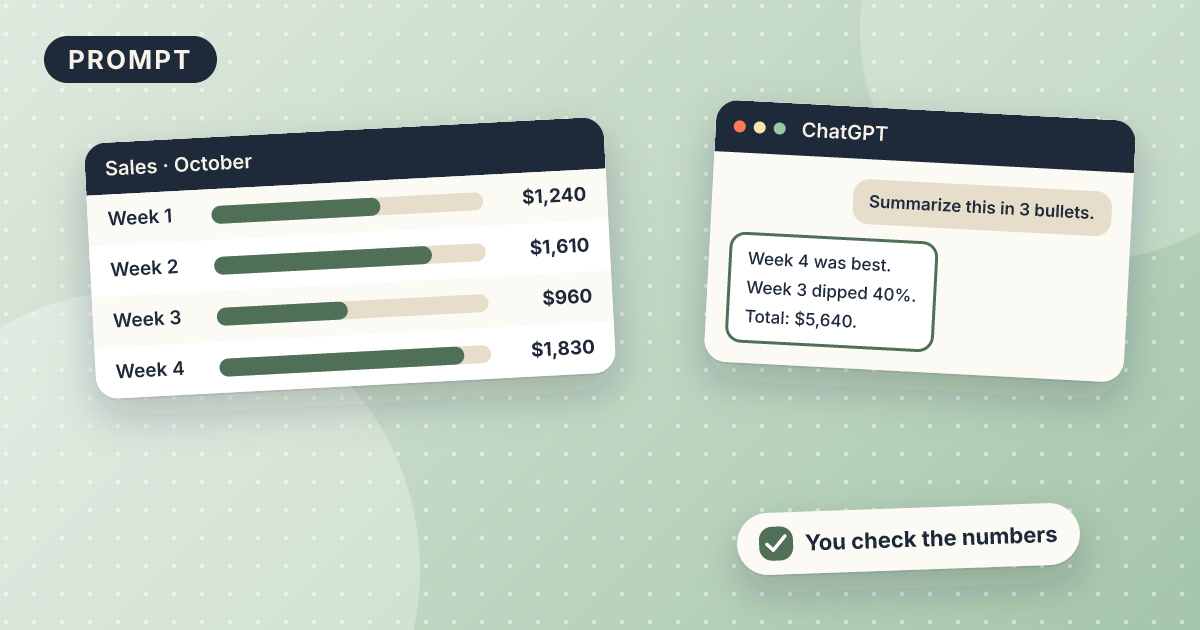
Summarize a spreadsheet with ChatGPT
You get a short plain-English weekly report from your spreadsheet numbers: the main changes, one thing that looks odd, and one question to look into. It takes about 25 minutes with the free version of ChatGPT. You paste a small table, then check every number against your sheet.
Draft: we have not tested this recipe yet. Treat the steps as a starting point.
What you need
- A free ChatGPT account
- A small table copied from your spreadsheet, such as this week and last week
- A line on what the numbers measure, such as sales or bookings
Copy this prompt
Write a weekly report in 5 sentences or fewer from the table below. The numbers measure [what].
Say what went up, what went down, and by how much. Then name one number that looks unusual and one question I should check.
Use only the numbers in the table. Do not explain why they changed.

Table: [paste this week and last week]
Steps
- Copy a small table, no more than about 20 rows, and remove names or private details.
- Open ChatGPT, paste the prompt above, and paste the table in place of the brackets.
- Recalculate each change the report mentions in your spreadsheet.
- Fix any mistakes, then add the reasons you know yourself before sharing.
Test it yourself (15 minutes)
- Make up a table with 7 days of bookings for this week and last week.
- Run the prompt and check each increase and decrease by hand.
- Check that the report does not give reasons it could not know.
- Note what you changed. It shows where AI math needs your double check.
Check this yourself
- Every number, total, and percentage matches your spreadsheet. Recalculate them.
- The report does not give reasons it cannot know.
- No customer names or private details were pasted.
- You understand every sentence well enough to explain it to someone else.
Mistakes and limits
- AI makes arithmetic mistakes. Recalculate any total, percentage, or change it states.
- It does not know why numbers changed. Treat its reasons as guesses.
- Do not paste customer names or private financial details.
Variations
- Ask for the report as three bullets for a team message.
- Ask which numbers deserve a closer look and why.
Related recipes
15 minAny AI tool (free)Not tested yet
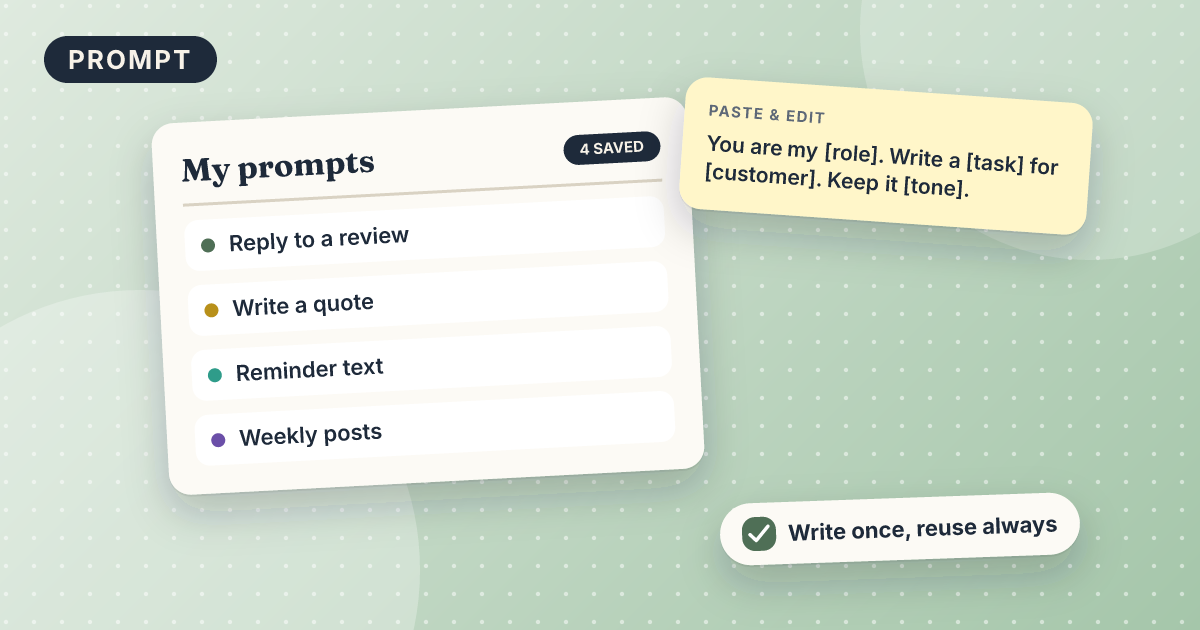
How to build a prompt library
One short document of reusable prompts with placeholders.
Salon · Cleaning · Home repair · Fitness studio · Office
5 minChatGPT (free)Not tested yet
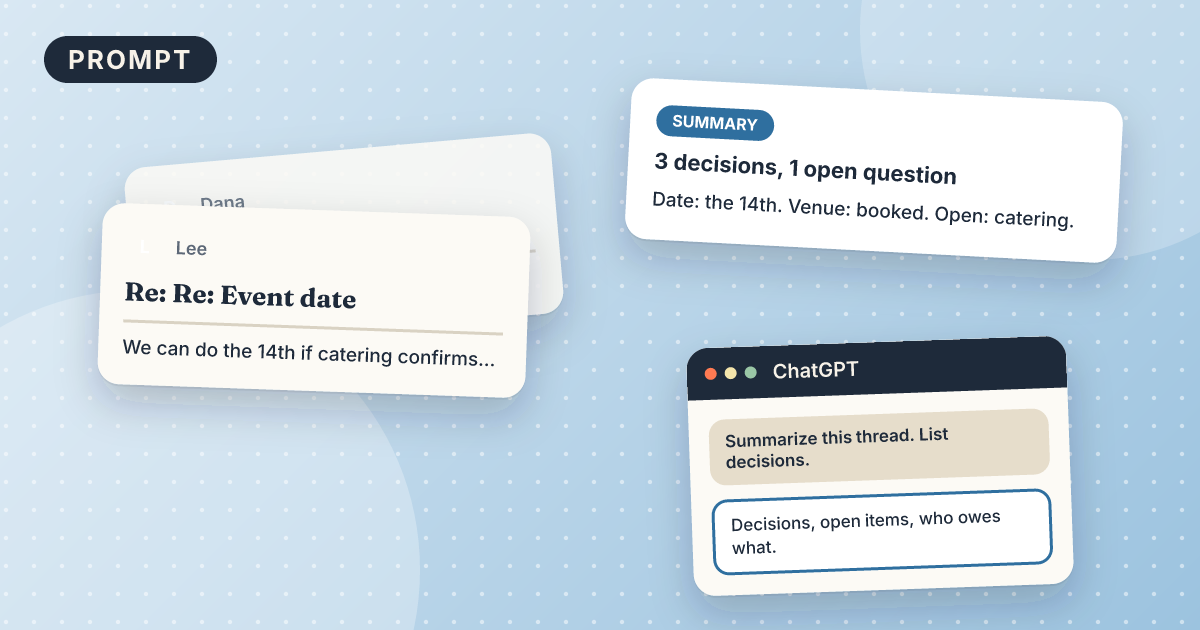
Summarize a long email thread with AI
A five-line summary with decisions, open questions, and action items.
Office