How to build a prompt library
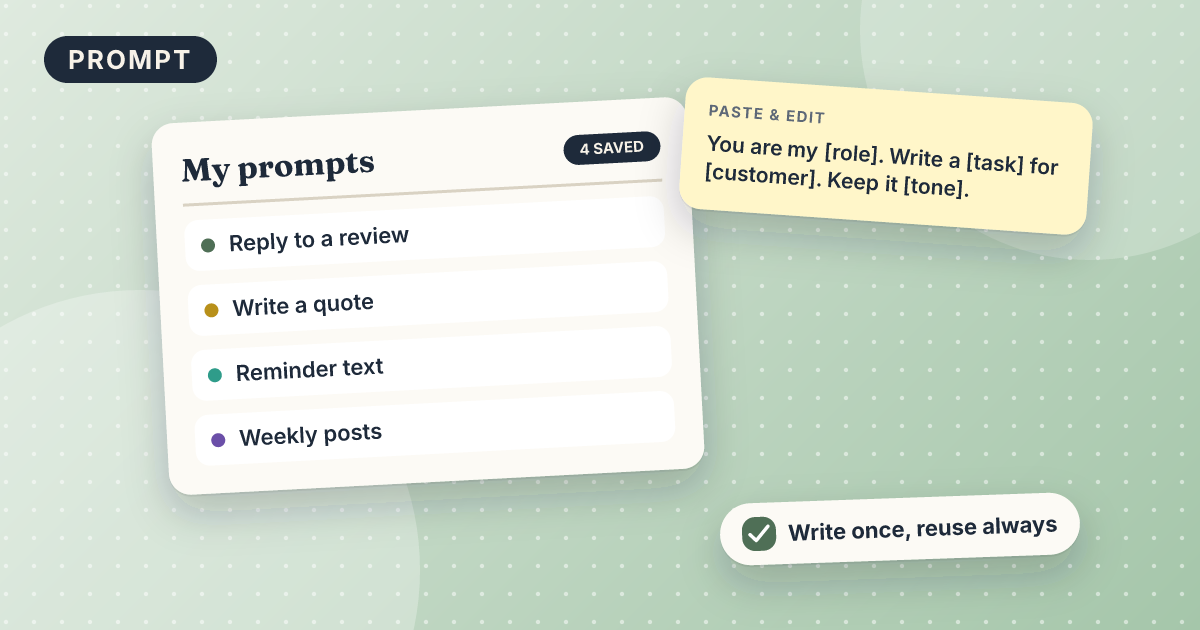
You get a simple prompt library: one document of your best prompts, each with a name, placeholders, and a note on when to use it. It takes about 15 minutes with any free AI tool and a notes app. You save each prompt that works and reuse it instead of retyping.
Draft: we have not tested this recipe yet. Treat the steps as a starting point.
What you need
- Any free AI tool you already use
- A notes app or document you can open quickly
- Two or three prompts that gave you good results
Copy this prompt
Turn the prompt below into a reusable template for my prompt library.
Replace anything specific (names, prices, dates) with placeholders in [square brackets].
Give it a short name, one line on when to use it, and a list of the placeholders I need to fill in.
Keep the prompt itself unchanged otherwise.

Prompt: [paste a prompt that worked well]
Steps
- Pick the 3 prompts you reuse most, such as your price reply, review reply, or reminder.
- Run each through the prompt above to turn it into a template.
- Paste the 3 templates into one note. Add the name and a “use when” line above each.
- Add a new template whenever a prompt works well. Delete ones you stop using.
Test it yourself (10 minutes)
- Take any prompt from another recipe on this site and run it through the template prompt.
- Fill in the placeholders for a made-up business and run the result.
- Check that the output matches what the original prompt gave you.
- Note what you changed. It shows whether your template kept everything the original had.
Check this yourself
- No customer names, prices, or private details remain in the template.
- The placeholders are clear enough that you could fill them in a month from now.
- The name tells you at a glance when to use it.
Mistakes and limits
- A library of 50 prompts is too big to use. Start with 5.
- Never save customer names or private details inside a prompt. Use placeholders.
- Prompts go stale. Review them every few months.
Variations
- Keep one library for work you do daily and one for rare jobs.
- Share the library with a coworker or partner in a shared document.
Related recipes
3 minClaude (free)Not tested yet
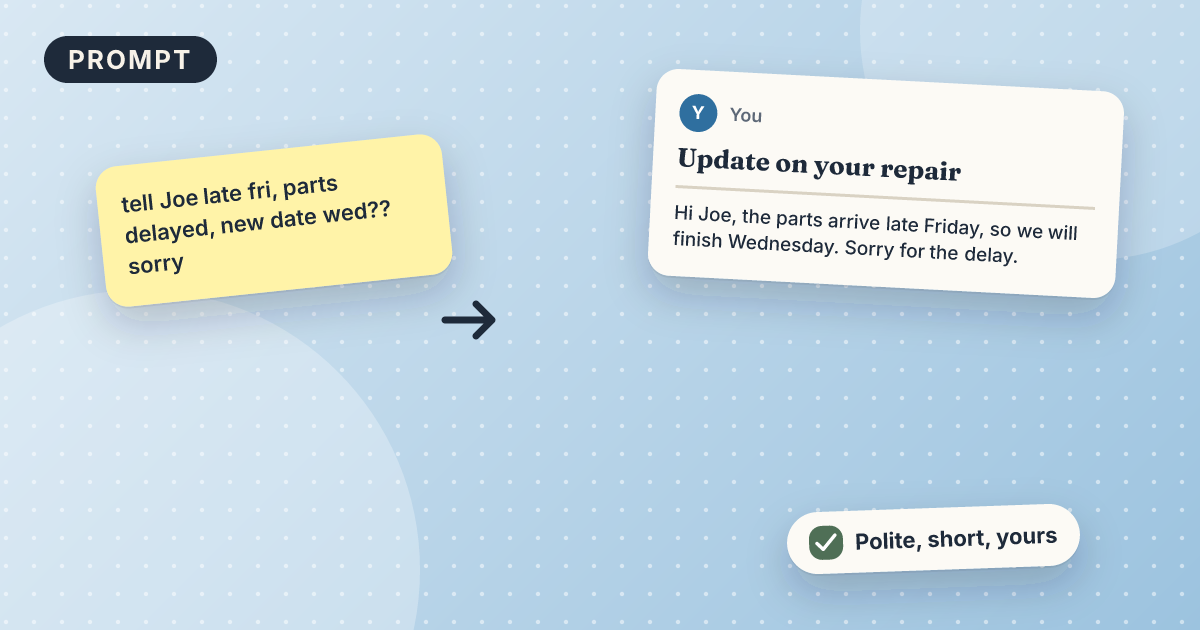
Turn rough notes into a professional email
Rough notes in, a short clear email out, main point first.
Office · Salon · Cleaning · Home repair · Fitness studio
Automation45 minZapier (free)Not tested yet
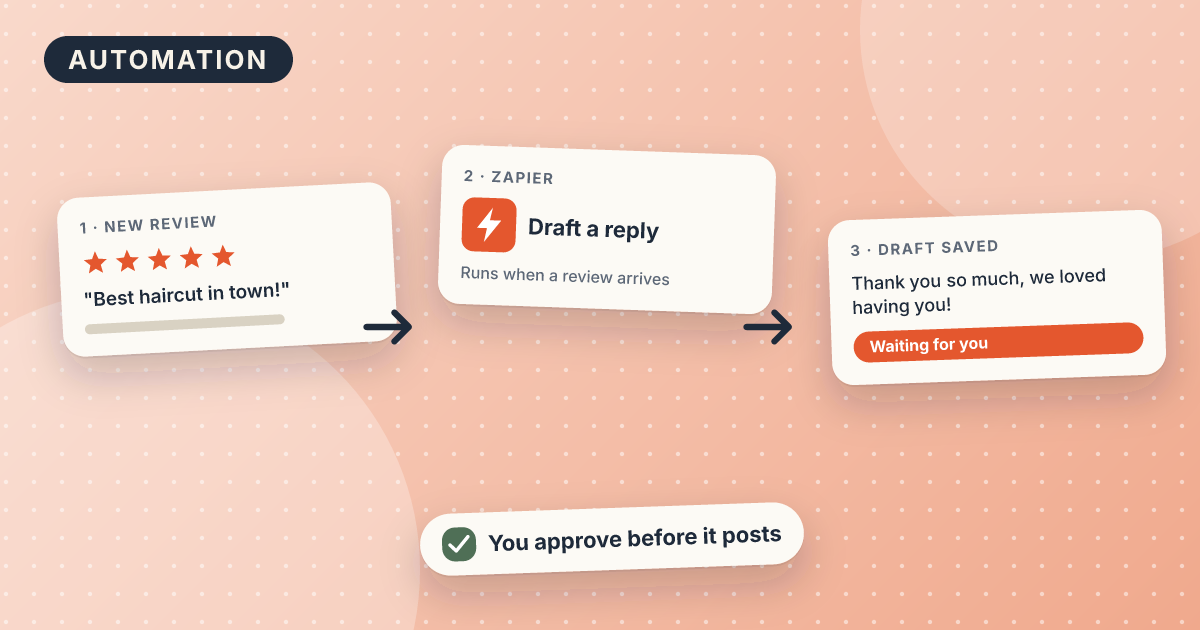
Auto-draft Google review replies with AI
Every new review arrives in your inbox with a draft reply, ready to edit and post.
Salon · Cleaning · Home repair · Fitness studio