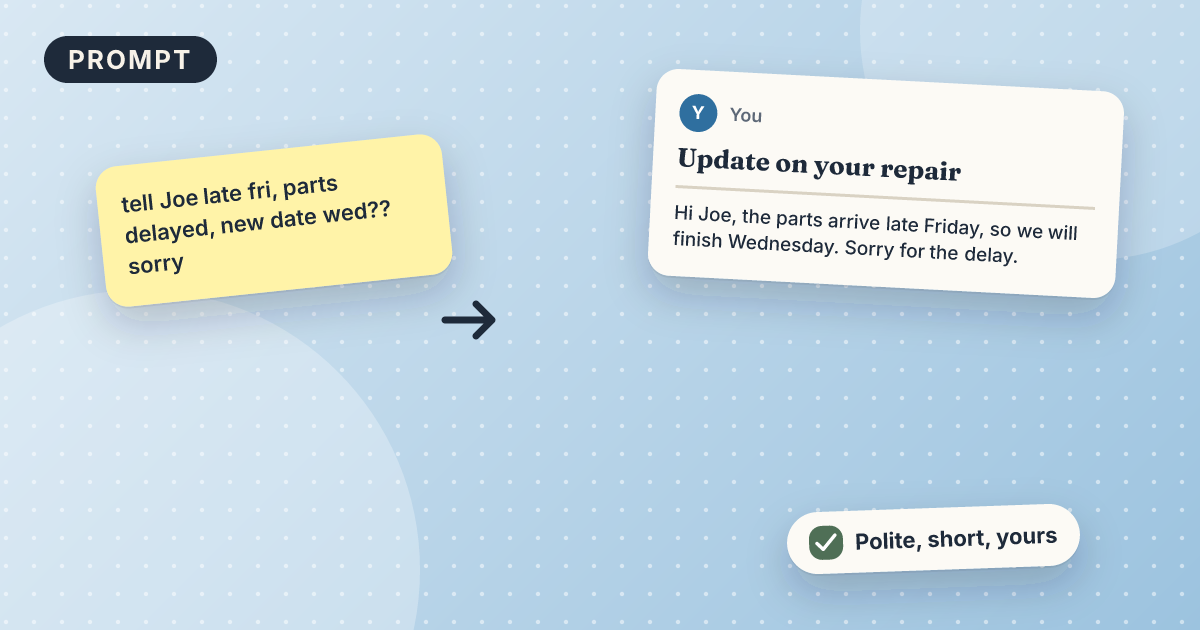
Turn rough notes into a professional email
You get a short, clear email built from your rough notes, with the main point in the first line and the next step at the end. It takes about 3 minutes with the free version of Claude. You paste your notes and the goal, then fix names, dates, and numbers before sending.
Draft: we have not tested this recipe yet. Treat the steps as a starting point.
What you need
- A free Claude account
- Your rough notes, copied as text
- One line on what you want the reader to do
Copy this prompt
Turn my rough notes into a clear email under 120 words.
Put the main point in the first sentence. End with one clear next step for the reader.
Use only what is in my notes. Do not add facts, dates, or promises.
Reader: [who they are]. What I want them to do: [action].
My notes: [paste your notes here]
Steps
- Jot your notes however they come: bullets, half sentences, anything.
- Open Claude, paste the prompt above, and fill in the [brackets].
- Read the draft out loud. If it sounds stiff, say “more casual”.
- Fix names, dates, and numbers, then add a subject line and send.
Test it yourself (5 minutes)
- Use these made-up notes: “call w/ Maria, wants deep clean Fri, 3 bedrooms, said budget ~$200, has a dog, ask about parking”.
- Reader: Maria, a new customer. Goal: confirm the booking and ask about parking.
- Check that the email does not invent a price or an arrival time.
- Write down what you changed. It shows you which parts of an AI reply to check first next time.
Check this yourself
- Names, dates, and amounts match your notes.
- Nothing was added that you did not say.
- The next step is clear and is the one you want.
- You are happy to send it under your own name.
Mistakes and limits
- AI may add details that were not in your notes. Delete anything you did not say.
- It does not know who the reader is. Say if they are a customer, a boss, or a supplier.
- Leave out private details such as account numbers or customer addresses.
Variations
- Add: "Make it more formal" for a supplier or a new customer.
- Add: "Give me a subject line and two options for the first sentence."
Related recipes
15 minAny AI tool (free)Not tested yet
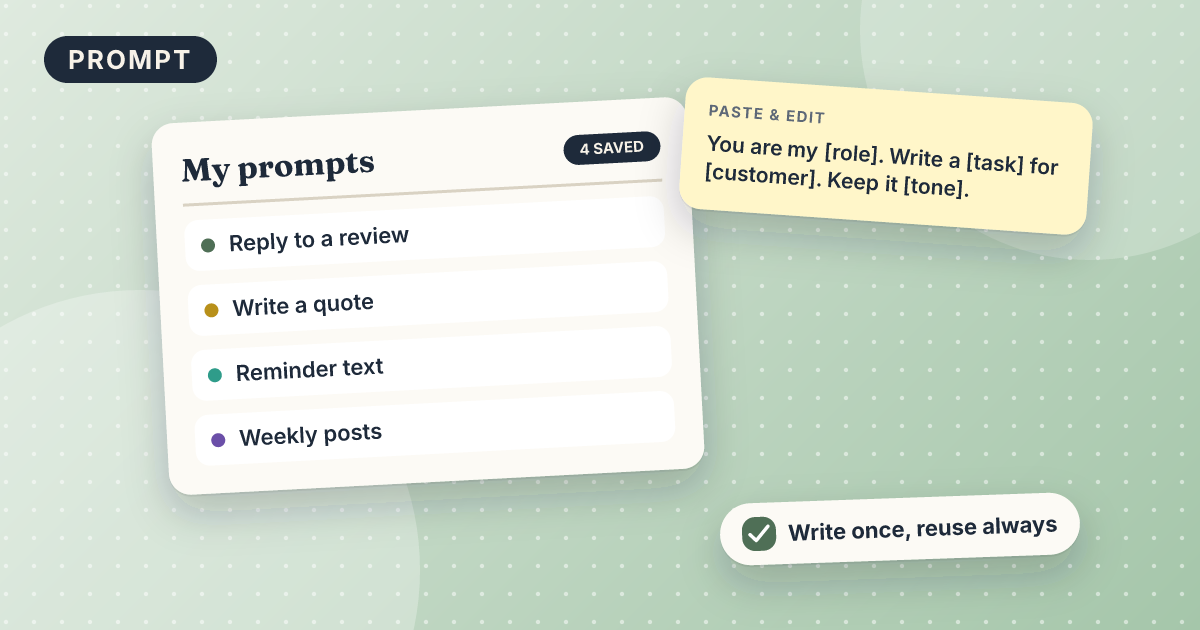
How to build a prompt library
One short document of reusable prompts with placeholders.
Salon · Cleaning · Home repair · Fitness studio · Office
Automation45 minZapier (free)Not tested yet
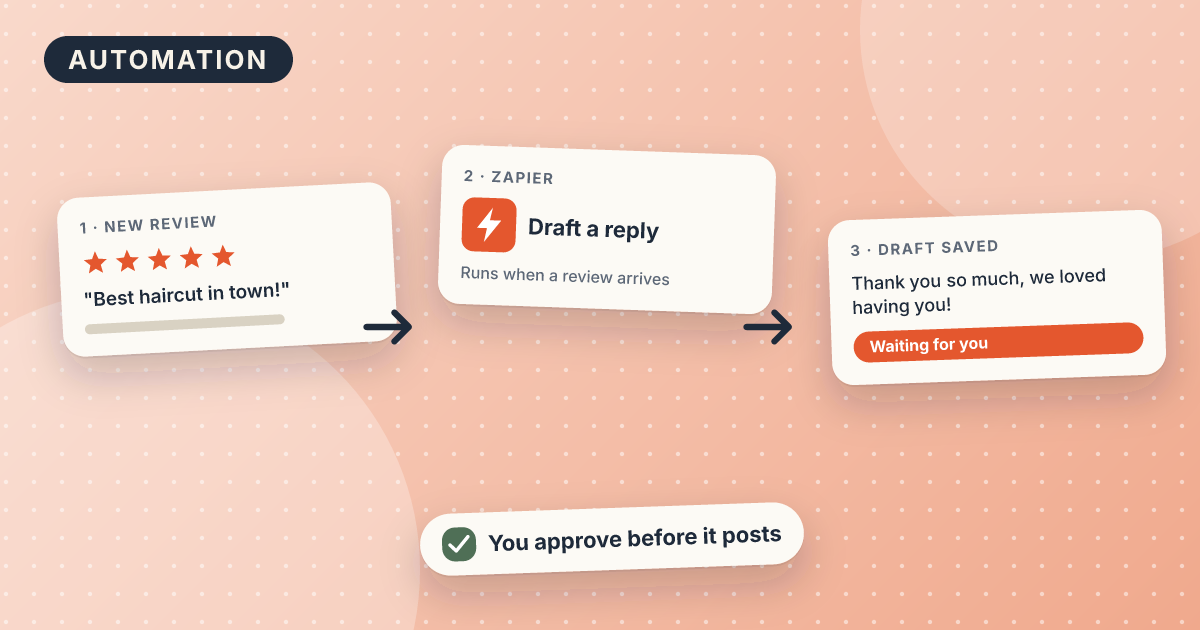
Auto-draft Google review replies with AI
Every new review arrives in your inbox with a draft reply, ready to edit and post.
Salon · Cleaning · Home repair · Fitness studio